

Playlive Registration Guide
Playlive is an online casino platform for South Africa, with account creation handled through a website registration form. To join Playlive, you need your full name, nickname, date of birth, contact number, and email address. The process usually takes 30 seconds to 1 minute, so it is quick if your details are ready. You must also accept the Terms and Conditions before using an account. Playlive allows only one account per person, and access is limited to supported countries.
Sign Up NowTable of contents
How to Register at Playlive?
Registering at Playlive is handled through the website. You do not need to install an app or contact support first. Open the registration form, enter your personal details, and complete the account setup online. The short flow fits the way South African casino sites usually handle sign ups, but accuracy still matters from the start. Playlive uses these details later for verification, support, and account checks.
Follow these steps to create a Playlive account:
- Open the Playlive website.
- Click the registration or sign up button.
- Enter your full name.
- Add your nickname.
- Enter your date of birth.
- Add your contact number.
- Enter your email address.
- Read and accept the Terms and Conditions.
- Submit the registration form.
- Check your email for the verification message.
Do not create a second Playlive account if something goes wrong during registration. The rule is one account per player. Multi-accounting is prohibited, and linked accounts may be cancelled. Playlive may also void winnings and ban the account.
How Playlive Account Verification Works?
Playlive uses verification to confirm that your account belongs to a real person and that the details match the information submitted during registration. Complete email verification soon after signing up, because it helps keep the account ready for normal use. Email confirmation is a familiar step on South African betting and casino platforms, so the Playlive process should feel routine. Use an inbox you can access immediately.
Complete email verification through these steps:
- Open the inbox linked to your Playlive account.
- Find the email from Playlive.
- Open the message with the verification link.
- Click the verification link.
- Return to the Playlive website.
- Log in with your account details.
- Check that your profile information is correct.
If Playlive asks for documents later, the details must match the account. Your full name, date of birth, contact number, and email should not conflict with your registered profile. Small errors can slow down verification.
How to Secure Playlive Passwords?
A strong password protects your Playlive account from unwanted access. Casino accounts can include personal details, balance information, and payment activity, so weak passwords are not worth the risk. Many South African players access casino sites from mobile devices, shared Wi-Fi, or public networks. That makes password quality more important. Use something that is hard to guess and not shared with other accounts.
Use these password recommendations:
- Choose at least 12 characters.
- Mix uppercase and lowercase letters.
- Add numbers and symbols.
- Avoid your name, nickname, or date of birth.
- Do not reuse your email password.
- Avoid common words and short phrases.
- Use a password manager if you struggle to remember strong passwords.
- Change your Playlive password if you think someone else has seen it.
Do not save your Playlive password in a place other people can access. A strong password only helps if it stays private.
Tips for Playlive Account Security
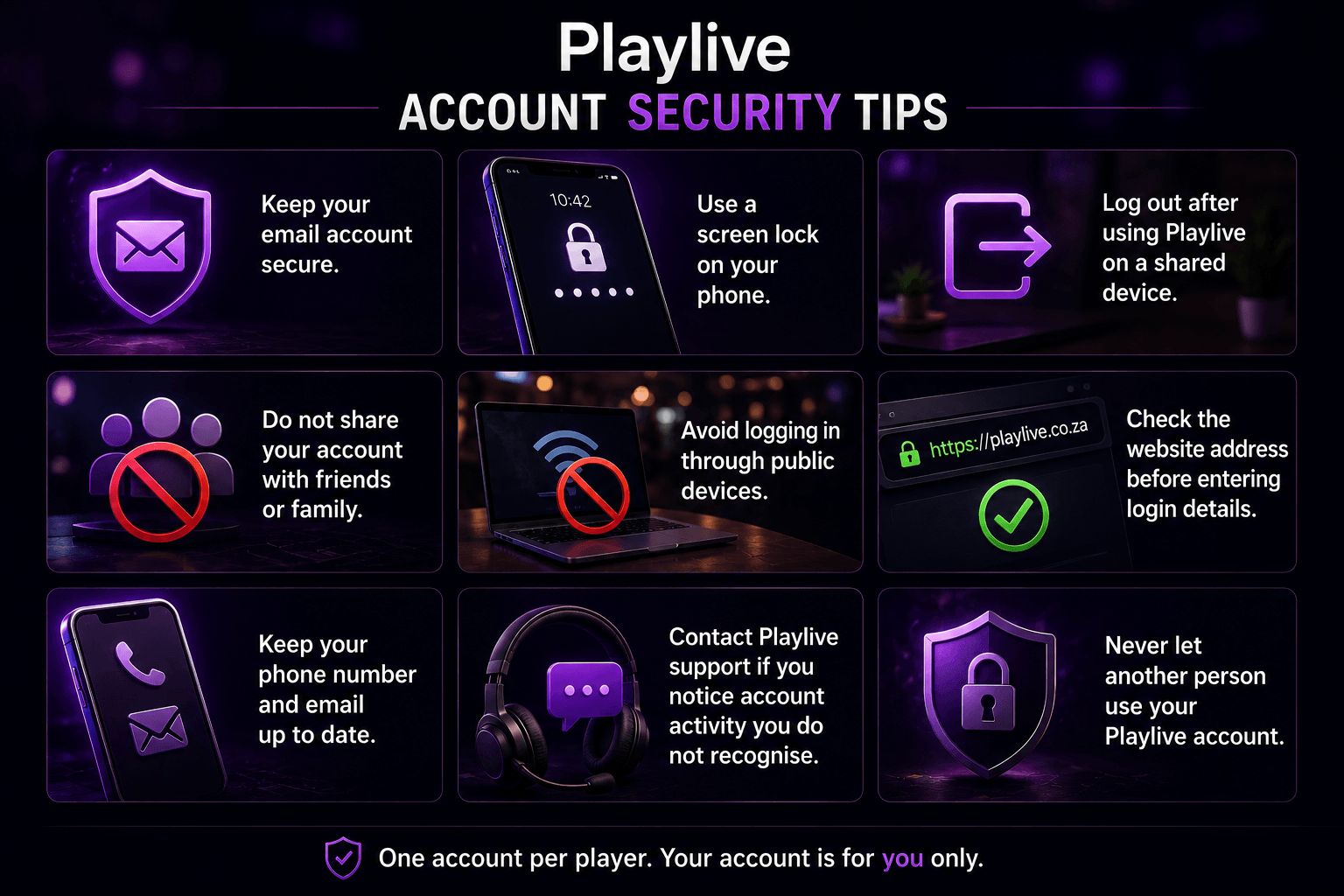
Account security is not only about the password. Your email inbox, device, and login habits also matter. Playlive sends verification by email, so your email account becomes part of your casino account security. On phones, where many South African players manage betting and casino accounts, a weak screen lock can become a real account risk. Better habits reduce avoidable problems with login access, verification, and support checks.
Follow these Playlive account security habits:
- Keep your email account secure.
- Use a screen lock on your phone.
- Log out after using Playlive on a shared device.
- Do not share your account with friends or family.
- Avoid logging in through public devices.
- Check the website address before entering login details.
- Keep your phone number and email up to date.
- Contact Playlive support if you notice account activity you do not recognise.
Never let another person use your Playlive account. The one account per player rule still applies, even if the other person is someone you know.
Common Playlive Registration Issues
Most Playlive registration issues come from small mistakes in the form, email access problems, or duplicate account checks. They are usually easy to fix if you do not rush. Playlive expects real personal details, as South African casino platforms normally do during account setup and later checks. Do not invent a nickname that creates confusion with your account identity. Keep your contact number and email usable, because Playlive may need them for verification or support.
| Problem | Solution |
|---|---|
| The registration form does not submit | Check that every required field is complete. Look again at your full name, nickname, date of birth, contact number, and email address. |
| The verification email does not arrive | Check your spam or promotions folder. Make sure you entered the correct email address during Playlive registration. |
| The verification link does not work | Open the latest email from Playlive and try again. Avoid using old links if more than one message arrived. |
| The email address was typed incorrectly | Contact Playlive support through live chat or email. Do not create another account to fix the mistake. |
| The account appears linked to another profile | Stop trying to register again. Contact Playlive support and explain the situation. |
| A bonus code is not visible during registration | Claim the bonus code in the cashier. Do not assume it must be entered during account creation. |
Do not open a second Playlive account to bypass an error. That can create a multi-accounting issue. Linked accounts may be cancelled, winnings may be voided, and the account may be banned.
Playlive Customer Support Options
Playlive customer support is available through live chat and email. You can use the live support widget on the website for faster help with registration or verification questions. You can also contact the official support email at support@playlive.co.za. English support suits the local online casino market, where account messages and help desk communication are commonly handled in English across South Africa.
| Support detail | Playlive information |
|---|---|
| Email support | support@playlive.co.za |
| Live chat | Available through Live Support or the support widget |
| Support language | English |
| Support hours | Daily, 09:00 to 22:00 |
Playlive support can help with:
- Registration form problems.
- Email verification issues.
- Duplicate account concerns.
- Questions about the cashier bonus code.
Before contacting support, prepare the email address and contact number used during registration. Do not send your password. Support should not need it to help with a Playlive account issue.
FAQ
Should I use a different email if verification does not arrive?
No. Do not start again with a different email address. Check your folders first, then contact Playlive support if the message still does not arrive.
What if my nickname is different from my real name?
Your nickname can be separate from your full name, but your personal details still need to be accurate. Do not use a nickname in a way that creates confusion during Playlive account checks.
Can someone else help me register?
They can guide you, but the Playlive account must belong to you and use your own details. Sharing access afterward can create problems with the one account per player rule.
Should I contact support before trying the form again?
Not after one small mistake. Recheck the required fields first and submit the form again. Contact Playlive support if the same issue repeats or if the problem involves a wrong email address or linked account.