
PlayLive App Mobile Browser Access
PlayLive is a mobile friendly online casino for players in South Africa, with 1300+ casino titles through Chrome, Safari, and other modern browsers. There is no Android or iOS app, so you use the same login page, bonuses, payments, and support without Google Play, the App Store, or an APK.
Sign Up NowTable of contents
Android Browser Access for PlayLive
Android users access PlayLive through a mobile browser only. There is no official Android app. You avoid the risky side of unknown app files and go straight to the casino from a trusted browser.
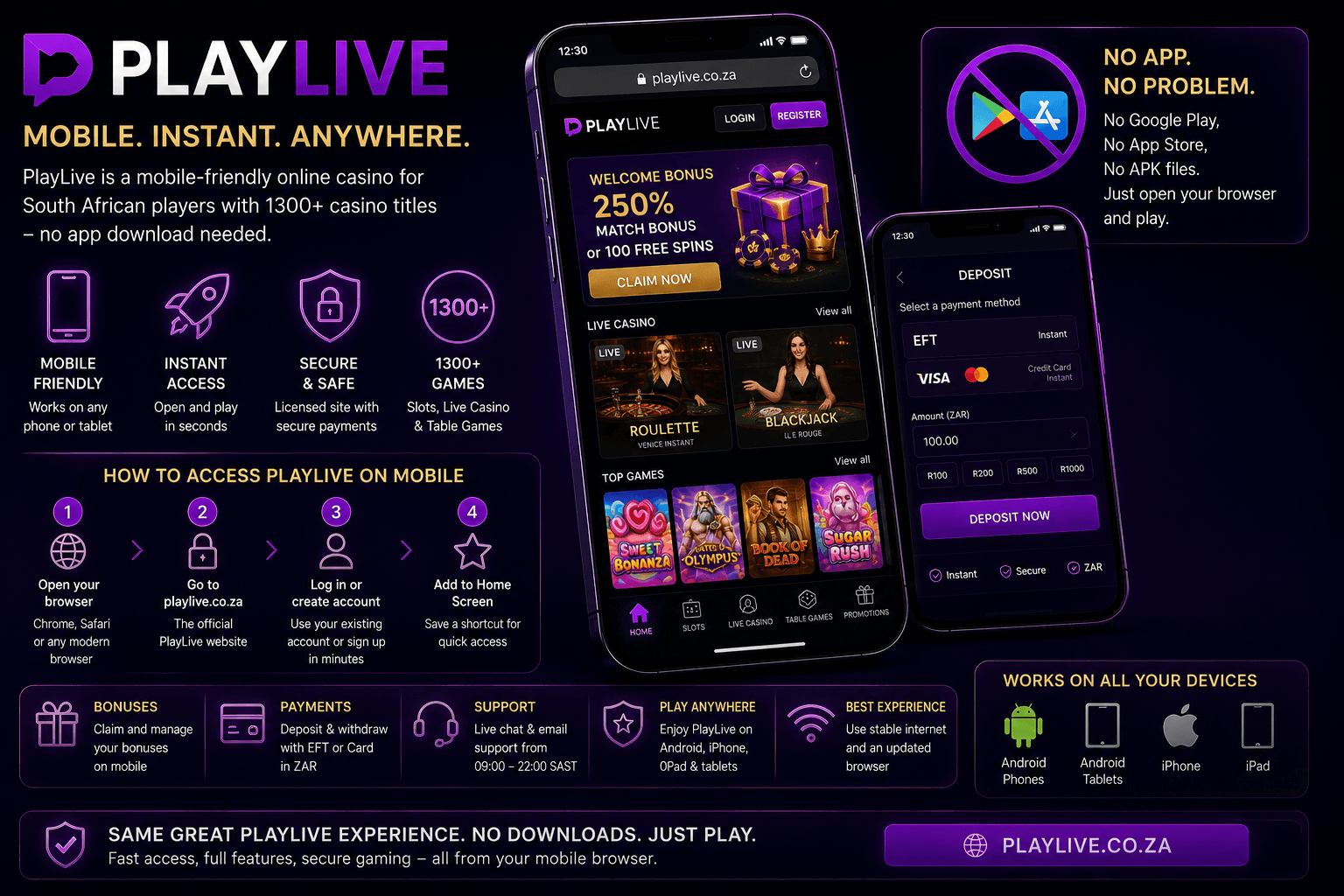
In practical terms, PlayLive access on Android includes:
- No APK download
- No Google Play installation
- No app permissions to approve
- No manual casino app updates
- No extra storage used for installation
This suits many South African Android players who want access from Chrome without changing device settings. Open the official PlayLive site, log in, and use the casino from the browser. Just make sure you avoid third party pages that claim to offer an Android app.
How to Open PlayLive on Android?
Open PlayLive on Android through a trusted browser by following these steps:
- Open Chrome or another modern mobile browser.
- Enter the official PlayLive website address.
- Wait for the mobile site to load.
- Log in or create your account.
- Start playing from the browser.
Avoid third party websites and APK files that claim to offer a PlayLive Android app. No official Android app exists, so the browser route is the safer option.
Saving PlayLive on Android Home Screen
You can save PlayLive as a shortcut on your Android Home Screen by using Chrome:
- Open the official PlayLive site in Chrome.
- Tap the browser menu.
- Select Add to Home Screen.
- Confirm the shortcut name.
- Tap Add.
The shortcut appears beside your other icons. It opens the PlayLive mobile website. It is not a native Android app, and it does not install casino software on your device.
Android Devices Compatible With PlayLive
PlayLive works on Android phones and tablets that can open secure modern websites. Chrome is the easiest choice for many South African Android users, but other updated browsers can also work well.
| Compatibility point | PlayLive mobile site support |
|---|---|
| Device type | Android phones and tablets |
| Browser | Chrome or another updated mobile browser |
| Installation | Not required |
| Storage space | No app storage needed |
| Minimum RAM | No app based RAM rule applies |
Because nothing is installed, PlayLive does not need APK storage or device setup changes. If your Android device can browse modern secure websites, it should be able to open the mobile casino site.
iOS Browser Access With PlayLive
There is no App Store version of PlayLive for iPhone or iPad. On iPhone and iPad, South African players open the casino through Safari and play from the mobile website. You do not need to search the App Store or manage app downloads.
For iOS users, PlayLive access means:
- No App Store download
- No iPhone app installation
- No iPad app installation
- No manual app updates
- One account across supported mobile devices
You can use PlayLive through Safari for common casino actions:
- Sign in to your account
- Browse slots
- Open live casino tables
- Use payment options
- Check bonuses
- Contact support
If you want faster access, save the site to your iOS Home Screen. It gives you a one tap icon, but it still opens the mobile website rather than a native app.
How to Open PlayLive on iOS?
Open PlayLive on iPhone or iPad through Safari by following these steps:
- Open Safari.
- Type the official PlayLive website address into the address bar.
- Wait for the mobile site to load.
- Log in with your account details.
- Register if you are new.
PlayLive runs in Safari, so you do not need to download anything from the App Store. Keep the official URL saved to avoid fake pages.
Saving PlayLive on iOS Home Screen
You can save PlayLive to the iOS Home Screen through Safari:
- Open the official PlayLive site in Safari.
- Tap the Share icon.
- Select Add to Home Screen.
- Confirm the shortcut name.
- Tap Add.
The icon appears on your iPhone or iPad Home Screen. It opens the PlayLive mobile website only. It is not an iOS app and does not install casino software.
iOS Devices Compatible With PlayLive
PlayLive works on iPhone and iPad models that support Safari or another current mobile browser. South African Apple users can play from the browser without adding casino software to the device.
| Compatibility point | PlayLive mobile site support |
|---|---|
| Device type | iPhone and iPad |
| Browser | Safari or another updated mobile browser |
| Installation | Not required |
| Storage space | No app storage used |
| App Store access | Not needed |
No storage space is used for an app install, because PlayLive is browser based. You also avoid App Store updates, version checks, and download delays.
How PlayLive Website Updates Work
PlayLive updates happen automatically through the website. You do not need to download patches, reinstall software, or check app versions. When the casino changes something, the latest version loads through your browser.
PlayLive website updates can apply to:
- Casino games
- Payment options
- Bonus features
- Account tools
- Mobile layout changes
- Support features
This helps when a South African player moves between a phone, tablet, and shared household device. Open PlayLive on a supported browser, and you use the current website version. If a page looks old, refresh the browser or clear cached data. Always enter through the official PlayLive site to get the latest version.
Advantages of PlayLive Mobile Access
The PlayLive mobile site gives you the main benefits of app access without the usual app tasks. You do not install anything, so your device storage stays free. You also avoid manual updates because changes load from the website.
Main PlayLive mobile benefits include:
- No casino app installation
- No APK risks
- No App Store download
- No storage used for an app
- Automatic website updates
- Same login across supported devices
- Access to bonuses, payments, games, and support
South African players who use mobile data get browser access without a store download. You can open the casino during a short break, use a familiar browser, and continue with your account in one place. Daily customer support is available from 09:00 to 22:00, which fits common local playing hours.
| Feature | Mobile Browser | Native App |
|---|---|---|
| Download needed | No | Usually yes |
| Storage used | No app storage | Uses device storage |
| Updates | Automatic through website | Manual or store based |
| Android APK risk | Avoided | Possible if unofficial |
| iPhone access | Safari shortcut | App Store install needed |
| Same login across devices | Yes | Usually yes |
| Access to PlayLive games | Yes | Would depend on app |
PlayLive Mobile Casino Game Library
PlayLive offers 1300+ mobile casino titles through the browser site. The library covers casual sessions, live dealer play, and regular table game use from a phone or tablet.
PlayLive mobile game categories include:
- Slots
- Live casino games
- Table games
- Blackjack
- Roulette
- Instant games
- Tournaments
PlayLive works with many recognised casino software providers:
- Pragmatic Play
- Play’n GO
- PGSoft
- Betsoft
- BGaming
- Evoplay
- Hacksaw
- Playson
- Spribe
- Spinomenal
- Novomatic
- Other providers
On mobile, PlayLive lets you open games from the casino lobby. Demo mode is available where the game and provider support it, so you can test some titles before playing for real money. Slots and live dealer tables are familiar mobile choices in South Africa because they load quickly and suit short sessions.
How PlayLive Secures Mobile Play
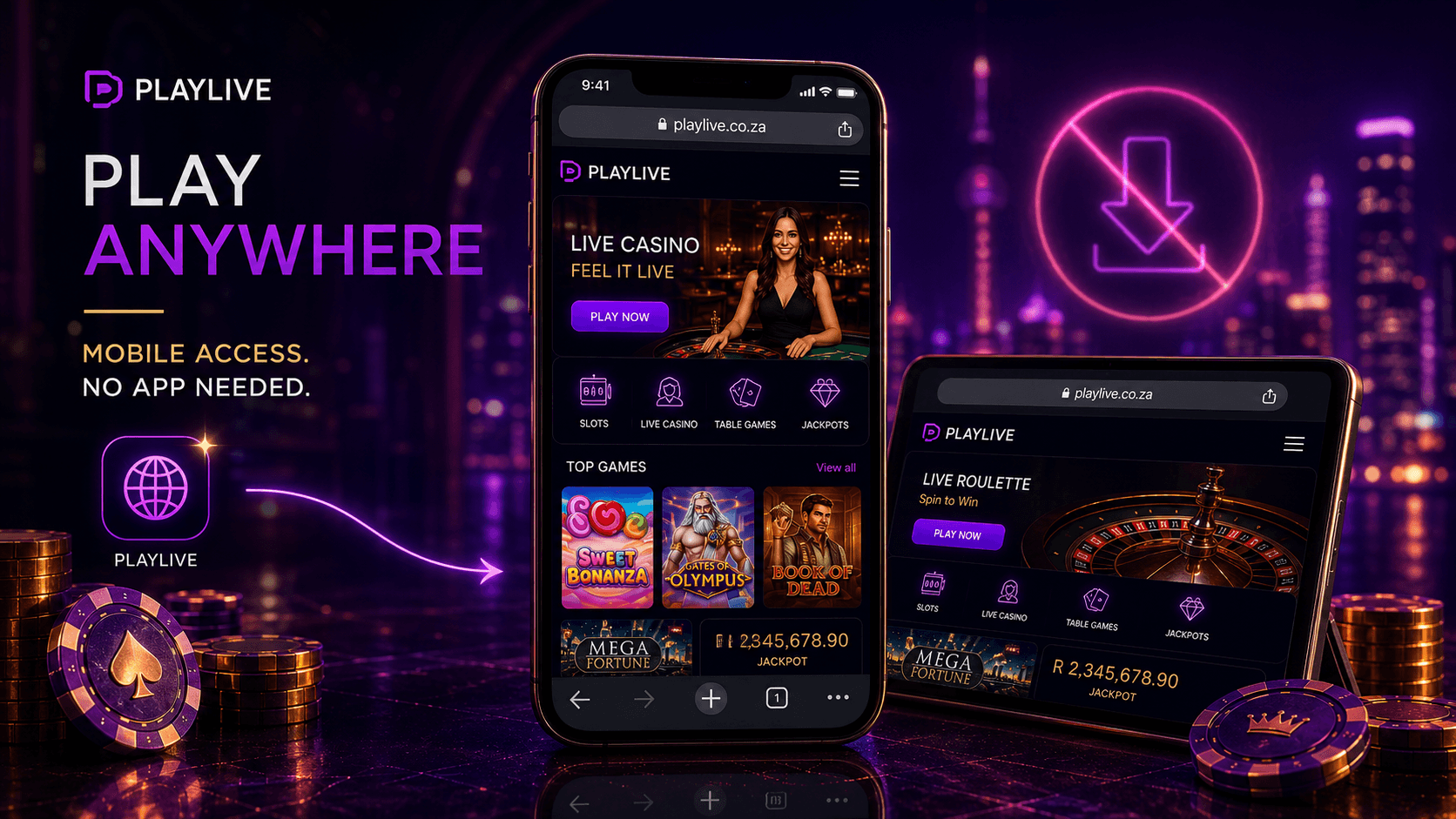
PlayLive protects mobile access through secure browser technology and the same account checks used on desktop. The casino uses recognised data protection standards, so mobile play remains protected when you access the official site.
PlayLive mobile security includes:
- SSL encryption
- Secure browser access
- Data protection standards
- KYC checks
- AML standards
- Account verification
- Payment safety controls
KYC checks are part of the South African online gambling and payment flow. PlayLive mobile users should use basic safety habits every time they log in.
Follow these checks before entering account details:
- Use only the official PlayLive site.
- Check that the URL is correct.
- Avoid pages that copy the PlayLive name.
- Never enter your password on a suspicious page.
- Close the page if something looks wrong.
- Open PlayLive again from your saved official shortcut.
These habits matter more on mobile, where fake links can appear in messages, ads, or social posts. If you stay with the official PlayLive website, browser based access is the safest way to use the casino on your phone or tablet.
FAQ
Can I use the same PlayLive shortcut after clearing browser data?
Yes, the shortcut should still open the PlayLive website. You may need to log in again if your saved browser session was removed.
What should I do if PlayLive looks outdated on my phone?
Refresh the page first. If it still looks old, clear cached data in your browser and open the official PlayLive site again.
Is a PlayLive shortcut safer than downloading an APK?
Yes. The shortcut only opens the official mobile website, while APK files claiming to be PlayLive are not official and should be avoided.
Can I switch between Android and iPhone with one PlayLive account?
Yes. PlayLive uses the same login across supported mobile devices, so you can move between Android, iPhone, iPad, and tablet browsers.