
PlayLive Login
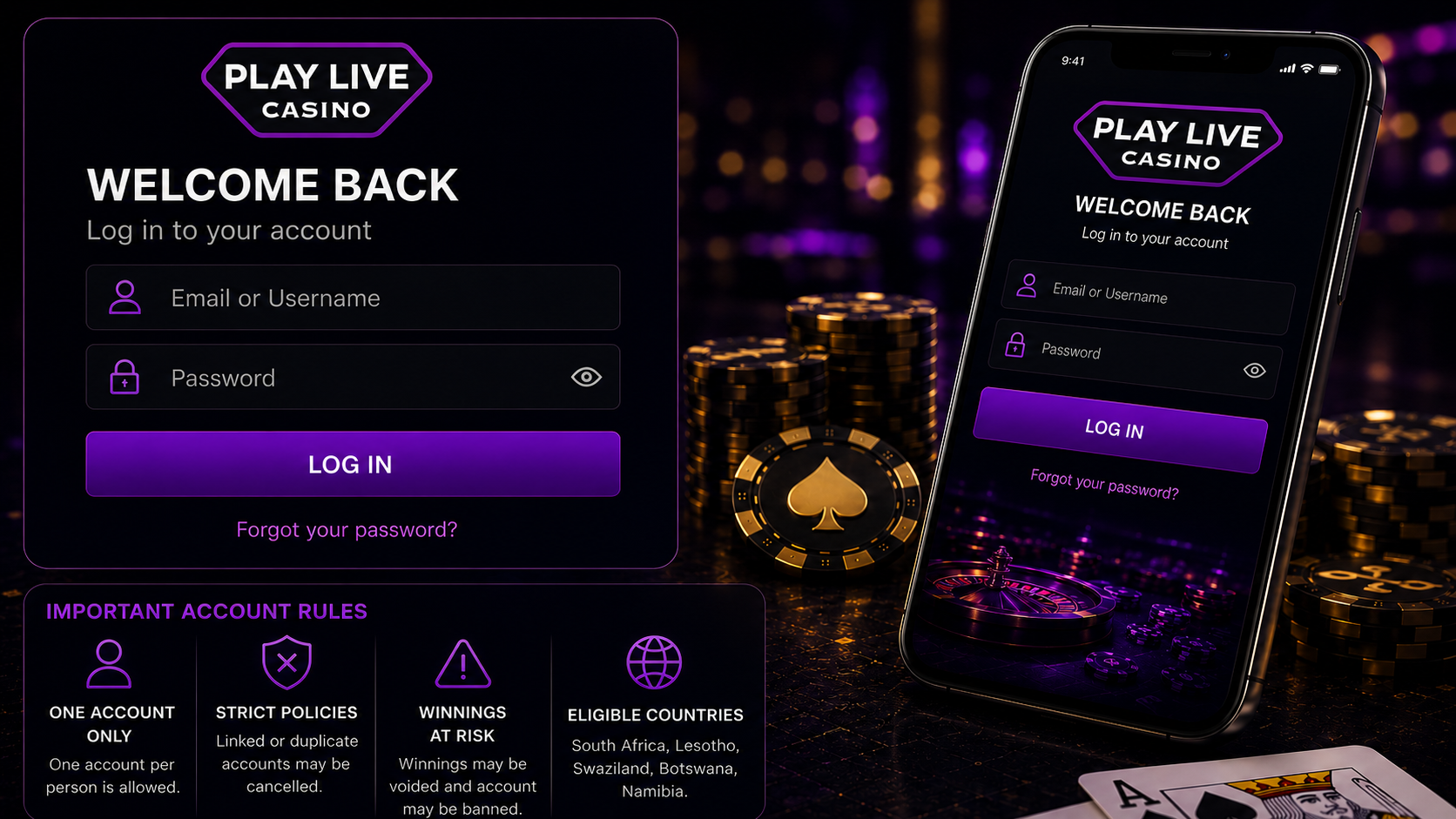
PlayLive login works with an email address or username plus a password on desktop, tablet, or mobile. Open the site, enter your details, and use one account only, since duplicate accounts can be cancelled in South Africa and supported nearby markets.
Sign Up NowTable of contents
How to Access PlayLive on Desktop
To log in to PlayLive from a desktop browser, follow these steps:
- Open the official site.
- Find and click the Login button.
- Enter your email address or username.
- Type your password.
- Submit the form to open your account.
Keep your password private. PlayLive places password protection on you, so do not share your login details with anyone. Account checks, identity checks, and activity records matter in a regulated online betting market like South Africa.
Don’t forget to change your password regularly. Use a password that is not reused on other sites, especially if you also open banking, email, or payment accounts from the same device.
How PlayLive Works on Mobile
PlayLive does not need a dedicated app for login. You can use the site through a mobile browser or tablet browser. The login process follows the same flow as desktop:
- Open PlayLive on your phone or tablet.
- Tap the login area.
- Enter your email address or username.
- Type your password.
- Submit the login form.
If you see a message that the device has already been used, do not create another account. PlayLive allows one account per player, so making a second profile can cause bigger problems. Use your existing account instead. If you cannot reach it, contact Live Support through the support widget or review the registration process before trying again.
Device checks can be linked to account security and duplicate account prevention, especially when players use PlayLive from South Africa or other supported neighbouring markets.
Common PlayLive Login Problems
PlayLive login can fail for several account and security reasons:
- Multi-accounting.
- Suspicious betting.
- Irregular activity.
- Failed KYC.
- Unfinished KYC.
- Country restrictions.
- Self-exclusion.
- Cooling-off periods.
Multi-accounting is one of the main issues. If linked accounts are found, they may be cancelled. Winnings may be voided, and the account may be banned.
PlayLive also records security data connected to account activity:
- Login credentials.
- IP address.
- Device type.
- Browser data.
- Logs.
- Activity records.
- Login attempts.
- Password resets.
- Privilege changes.
- System modifications.
These checks explain why an account can be flagged after unusual patterns, repeated login attempts, or activity from outside South Africa, Lesotho, Swaziland, Botswana, or Namibia.
Resetting a Lost PlayLive Password
If you forget your PlayLive password, reset it by email:
- Open the login area.
- Choose the password recovery option.
- Submit the email address linked to your account.
- Check your inbox.
- Follow the reset steps sent to you.
After changing the password, return to PlayLive and log in with the new details. Make sure you use the correct email or username.
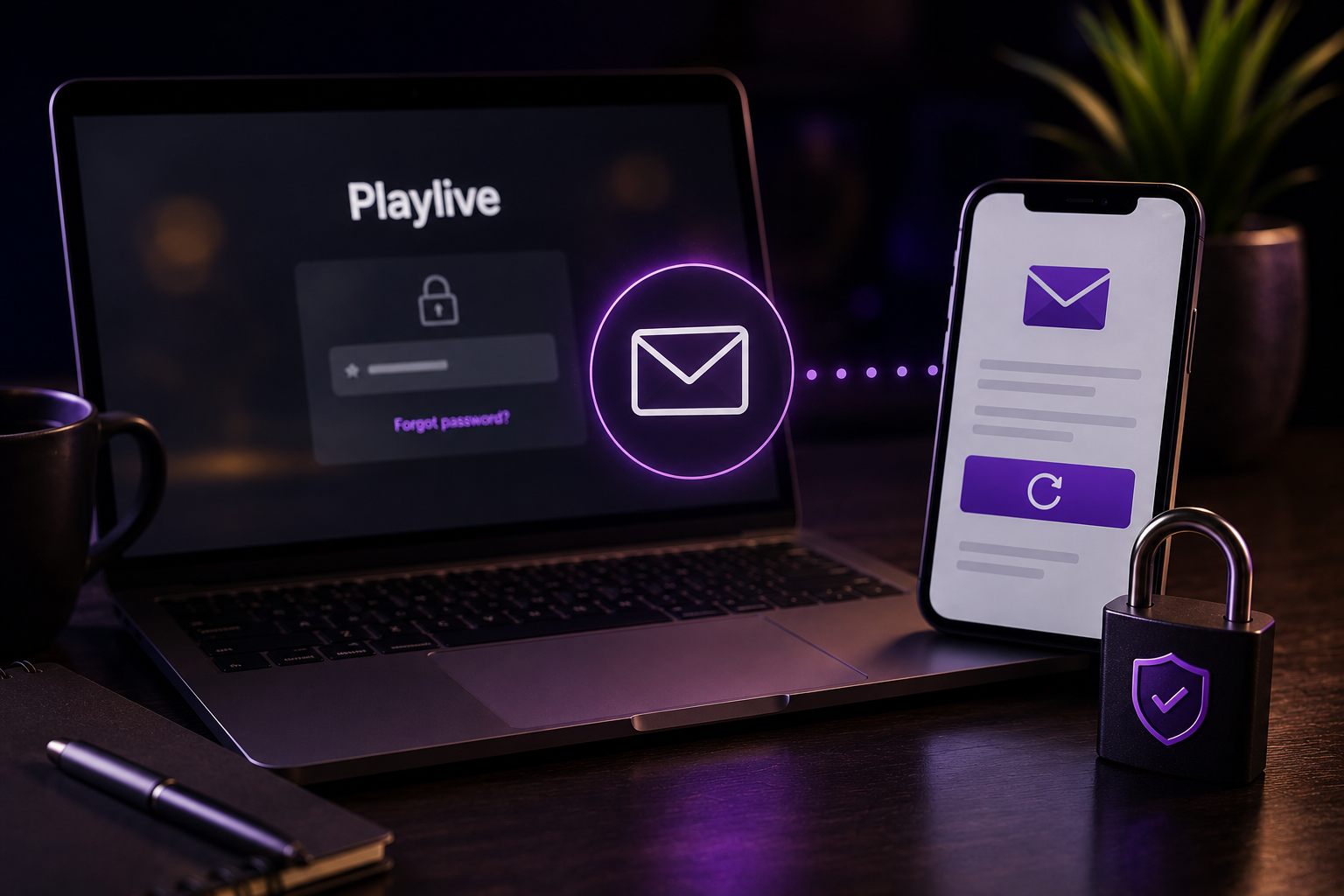
Also check your spam or junk folder if the recovery email does not appear quickly. If you usually manage betting accounts from a mobile browser, refresh your email app before sending another reset request.
Getting Help From PlayLive Support
PlayLive support gives you two contact options:
- Live Chat through the on-site support widget.
- Email at support@playlive.co.za.
The main support details are:
| Support detail | PlayLive information |
|---|---|
| Live Chat access | On-site support widget |
| Live Chat hours | Daily, 09:00 to 22:00 |
| Email support | support@playlive.co.za |
| Support language | English only |
| Account reopening | Contact Live Support so support can submit a reopening request |
English-only support is useful to know before you contact PlayLive from South Africa, Lesotho, Swaziland, Botswana, or Namibia. For account reopening, contact customer support first. Be ready to explain the issue and provide the account details they ask for.
FAQ
Should I try another account if login fails?
No. PlayLive allows one account per player, so creating another profile can make the issue worse. Use your existing account and contact Live Support if you cannot get in.
What should I check before requesting another password reset?
Check that you entered the email address linked to your PlayLive account. Also look in your spam or junk folder and refresh your inbox before sending another recovery request.
Can location affect my PlayLive account access?
Yes. PlayLive access is limited to South Africa, Lesotho, Swaziland, Botswana, and Namibia. Login activity from outside these supported markets can cause account checks or blocked access.
What details should I prepare for Live Support?
Be ready to explain what happened and provide the account details PlayLive asks for. Keep the explanation focused on the login issue, device message, password problem, or reopening request.